IT infrastructure in 2026

Text transcribed and edited with Claude Opus 4.1
Over the last 3 years, programmers have massively switched to Cursor AI — code is written there many times faster. Analysts generate presentations in Microsoft Copilot in minutes instead of hours. DataLens got YandexGPT for building charts — you write “show sales dynamics by region” and get a ready visualization. In n8n people without programming knowledge build AI agents. They just connect blocks, and the system generates ready code.
But there is a problem — corporate systems are not ready for AI transformation. Work on these topics in 2026 and you will beat the market:
Main principle: JSON everywhere
JSON is the language that AI understands best. It’s not just a data format, it’s a protocol of communication between a human and a machine through AI.
Take Azure Data Factory. Any ETL pipeline there can be described in JSON:
{
  "name": "CopyPipeline",
  "properties": {
    "activities": [{
      "type": "Copy",
      "inputs": [{"referenceName": "SourceDataset"}],
      "outputs": [{"referenceName": "DestinationDataset"}]
    }]
  }
}
You feed this JSON together with the task description to the AI — and you get a working pipeline. The AI knows Azure syntax, understands dependencies between components, and writes code without errors.
The same works in Grafana for monitoring. Any dashboard is a JSON configuration. AI can generate a complex monitoring system with alerts having received only a description of what you want to monitor.
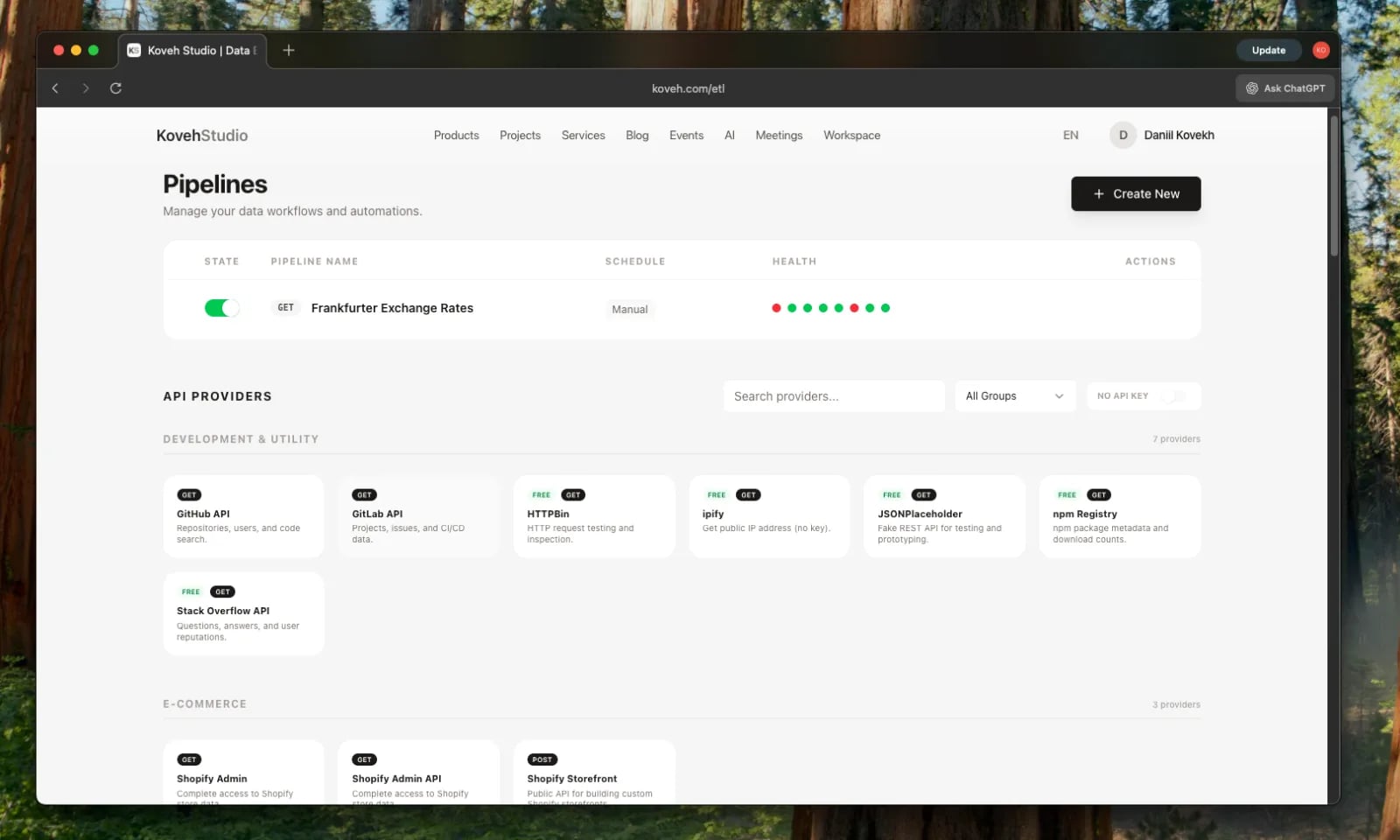
In n8n every automation node is described via JSON. AI sees the structure, understands the connections, and can modify the flow for new requirements.
Where JSON doesn’t work yet: a real example
Take Bitrix24 — one of the most popular CRMs in Russia. They have an API, but try to export the sales funnel configuration or the client card structure to JSON. You won’t succeed.
All configuration is embedded in a proprietary format. For AI to work with your funnel, you need to manually describe every stage, every field, every automation rule. And with any change in the CRM — update this description.
Compare with HubSpot or Pipedrive. There the whole CRM structure is available via API in JSON:
- deal stages
- custom fields
- automation rules
- email templates
AI can read this structure, understand business logic and suggest improvements. Or automatically create an integration with other systems.
Rule for 2026: every component of your system must have a JSON representation. Dashboards, pipelines, configurations, data schemas — everything must be exportable and importable via JSON. Attention!!! This does not apply to data storage — relational tables will remain with us forever.
Database architecture for AI
Data should live in one or two databases with a clear structure. But structure is only the beginning. AI needs context.
Add a description to every table:
COMMENT ON TABLE transactions IS 'Transactions from marketplaces.
Updated every hour. Contains only confirmed sales.
For returns see the returns table.';
Add an explanation to every non-obvious column:
COMMENT ON COLUMN transactions.fee_type IS 'Commission type:
FBS – Ozon fulfillment,
FBO – shipment from Ozon warehouse,
realFBS – seller-managed delivery.';
A real example: you pull transactions from Ozon. There are three different APIs:
- Seller API — for FBO sellers
- Performance API — for ad campaigns
- Analytics API — for analytics
Each returns different data in different formats. Without documentation the AI will pick the wrong endpoint and confuse ad spend with revenue. With documentation — it will immediately understand which method to use for a specific task.
Tokens are money: optimization matters
Each request to Claude or GPT costs money. When working with databases via MCP (Model Context Protocol) one request can burn thousands of tokens.
Bad approach: AI makes 50 requests to the database to understand the data structure.
Good approach:
- All metadata is collected in one place
- There is an index describing the tables
- AI makes 1–2 targeted requests
Savings can reach 90% on tokens. At a volume of 1000 requests per day that’s $500 versus $50.
CRM without API — throw it away
If your CRM does not have a full-featured API for AI — change the CRM. This is not an exaggeration.
With correct access AI will be able to:
Automatically enter data after calls AI listens to the call recording, extracts key points, updates deal status, adds tasks for the manager.
Write personalized emails Not templates with {CLIENT_NAME}, but real emails. AI analyzes communication history, understands context, and accounts for client specifics.
Track client status It connects to MPStats, sees that a competitor lowered prices for the client by 30%, and immediately suggests the manager contact the client with an offer to help.
Verify companies from external sources Using Selenium and RPA checks client websites, their activity on marketplaces, mentions in the news.
Without an API you manually export Excel, upload it to ChatGPT, copy the results back. It’s like using a Ferrari to deliver pizza — possible, but why?
Vectorize all content
Analytical data is everywhere:
- PostgreSQL — transactional data
- ClickHouse — logs and events
- S3 Data Lake — raw files
AI must understand what’s inside each file without opening it.
How it works
-
Document indexing AI reads every PDF, Excel, presentation. Creates a vector representation — a mathematical fingerprint of the content.
-
Storing in pgVector
CREATE TABLE document_vectors (
  id SERIAL PRIMARY KEY,
  file_path TEXT,
  content_summary TEXT,
  embedding vector(1536)
);
- Semantic search You ask: “where is our churn analysis for Q3?” — AI finds the right document in a second, even if the file name doesn’t contain the words “churn” or “Q3”.
Important nuances
Different formats — different approaches
- PDF requires OCR
- Excel requires understanding the table structure
- Presentations are indexed by slides
Store vectors locally Do not send documents directly to ChatGPT or Claude. Keep vector representations in your own database. You remain the owner of the data, control access, and ensure compliance.
Practical advice on technology choice
Use popular open source
AI is trained on public code from GitHub. It knows how this works:
- Airflow (30k stars) — orchestration of pipelines
- Grafana (60k stars) — monitoring
- PostgreSQL — database
- n8n (40k stars) — automation
AI knows nothing about your own task management system. You’ll have to write documentation the size of War and Peace.
Don’t chase the latest versions
AI is trained on data from roughly the last six months.
Bad: Airflow 3.0 with breaking changes released a month ago Good: Airflow 2.8, stable for a year
Difference in functionality is minimal, but AI definitely knows all methods and won’t hallucinate.
Document non-standard solutions
If you use something specific, create a README with examples:
## Our wrapper around RabbitMQ

Sending a message:
```python
from our_queue import send_message
send_message('orders', {'order_id': 123, 'status': 'paid'})
Receiving messages:
from our_queue import consume
for message in consume('orders'):
    process_order(message)
AI will read the documentation and be able to work with your code.
Implementation plan: what to do right now
Week 1: Audit
- Make a list of all data storage systems
- Check whether each system has an API
- Assess the ability to export to JSON
Week 2: Quick wins
- Add descriptions to the 10 most important tables
- Set up export of one dashboard to JSON
- Create a test pipeline in n8n with the help of AI
Month 1: Pilot
- Choose one routine task (for example, the weekly report)
- Automate it via AI
- Measure time savings
Quarter 1: Scaling
- Expand automation to the department
- Train employees to work with AI tools
- Create an internal knowledge base on AI-ready architecture
Economics
A company with 50 employees can save:
On routine: 30% of analysts’ and developers’ time = 15 FTE
On errors: AI doesn’t mix up columns in Excel and doesn’t forget to update dashboards = -70% incidents
On speed: a new report in an hour instead of a week = x7 decision-making speed
Investments in AI-ready infrastructure pay off in 3–6 months. After that — pure savings and competitive advantage.
The bottom line
AI is not magic that will do everything by itself. It’s a tool that works as well as the data is prepared.
Give AI unobstructed access to data, teach it to understand your architecture, use proven technologies — and you’ll get a multiple acceleration of all processes.
Companies that do this in 2026 will gain the same advantage as those who first moved to the cloud in the 2010s. The rest will be catching up for the next 10 years.